
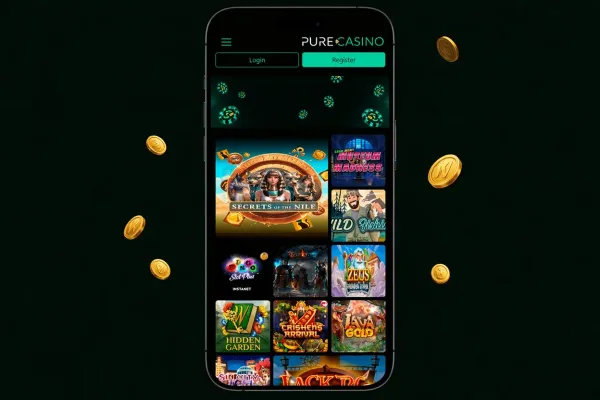
Pure Casino has no iPhone app. The casino runs as a mobile site, so on an iPhone you play through the browser, and the page above shows the steps. This page explains what that means for you before you sign up or deposit.
What you get on an iPhone

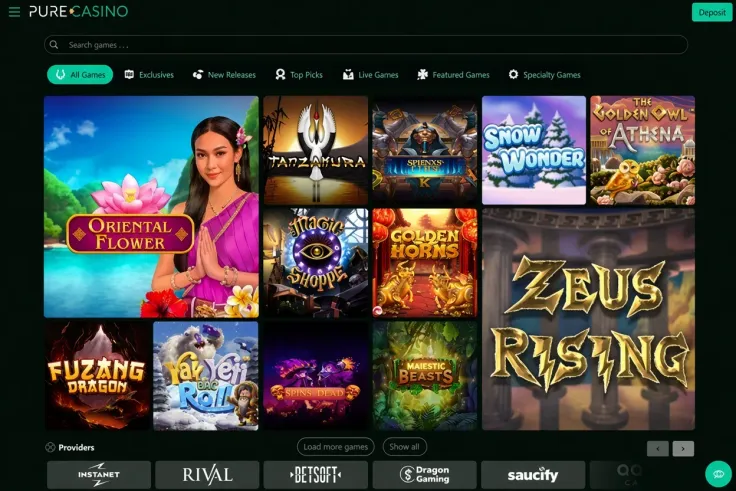
Without a native app, the casino on your iPhone is the mobile site. It is reached through a browser rather than through an icon from the App Store. The range includes live casino, and the games come from the providers covered on the games and slots pages.
The difference from an app is mainly in how you reach it. An app is installed and sits on the home screen, while a mobile site is a web address. You can save a shortcut to your home screen, as the steps above show, and the shortcut simply opens the website.
The result is that you do not need to install anything, no storage used by an app and no app update to wait for. The app page compares the options across devices, and the Android app page covers the position on Android.
Nothing to download

Since there is no iPhone app, there is nothing to download and no App Store listing to look for. If a message, an advert or a website claims to offer an app from Pure Casino for iPhone, do not follow it. An app from an unknown source can ask for permissions it does not need or collect your login details, and it did not come from the casino.
Use the browser, type the casino's address yourself or use your saved shortcut, and avoid links in messages. Check the address in the browser before you enter a password, and be wary of any page that asks for more than your usual login details. Keep your phone's software up to date as well, since that protects every site you use, not only the casino. If you are new, the sign up page explains how to create an account, and the login page covers returning to one.
Practical points on an iPhone

Keep a passcode on the phone and do not let anyone else use it while you are logged in. Use a password that is not used anywhere else, and log out when you have finished, particularly if the phone is shared or may be picked up by others.
Think about data too. Games and live casino streams use mobile data, so a Wi-Fi network you trust is a better choice than an open public one, which can expose your login details. If your data plan is limited, check how much you have used.
Set your limits before you play, not afterwards. If your casino account offers deposit limits or time-outs, they can be set before the first session, and the safer gambling page explains how they work. A phone is always within reach and sessions can run on without you noticing, so a limit in place at the start is easy to rely on.
Small screens hide detail, so read the terms of any offer in full before you accept it. The welcome bonus page shows the terms of the sign-up offer. T&Cs apply.