
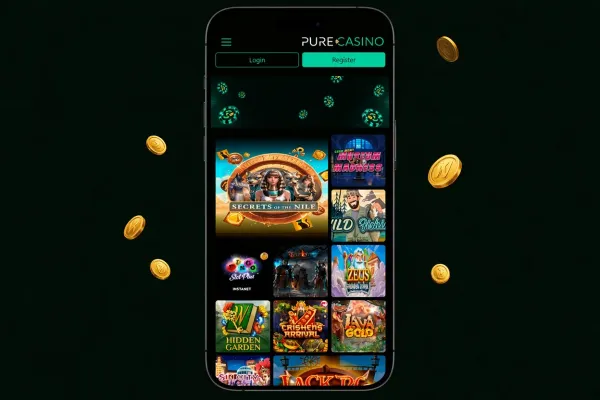
Pure Casino has a mobile version that runs in your phone browser, and it has no iPhone app and no Android app. You open the website on your phone, sign in or register, and play from there. There is nothing to download, and the steps above show how to put a shortcut on your home screen.
What you can do on a phone

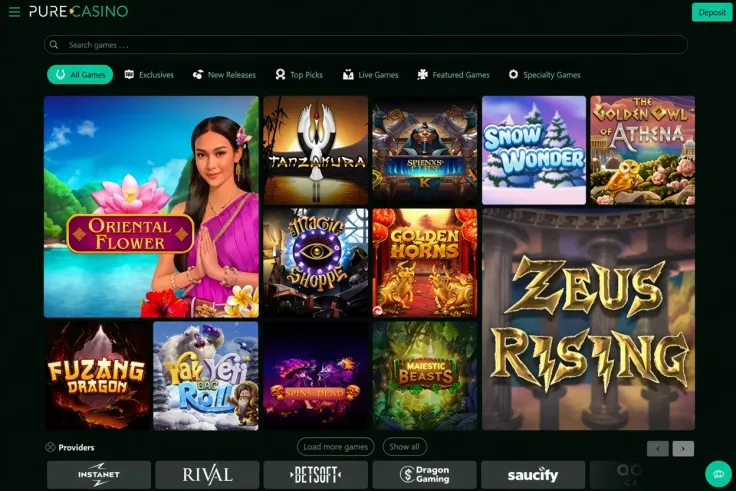
On a phone you use the same website as on a computer, adjusted to a smaller screen. You log in with the email or username and password you registered with, and the login guide explains what to do if access fails. If you are new, you can register from your phone as well. The sign up guide explains what to prepare, and the welcome bonus page covers the offer for new accounts. T&Cs apply.
Pure Casino also has a live casino, and you reach it through the mobile site along with the rest of the games. Check the terms of any offer on the offer card itself rather than assuming that playing on a phone changes them.
The main differences from a desktop are practical rather than technical. The screen is smaller, so tables and long menus take more scrolling. Touch controls replace the mouse, which means you should take care when you tap near a bet or a confirm option. If you are not sure you hit the right option, stop and check before you continue. Details such as page layout are best learned by opening the site yourself, because they depend on your phone and browser.
No app to install

Because Pure Casino has no iPhone or Android app, there is nothing to find in an app store and nothing to install. Do not download a file that claims to be a Pure Casino app from a link in a message, a social post or an unknown website. A file like that is not from the casino, and installing apps from unknown sources puts your phone and your account at risk.
What you can expect in the browser is simple. You open the website, you sign in, and you play. Using the browser's option to add a shortcut to your home screen gives you one-tap access, which feels close to an app without being one. A browser also updates through your usual phone updates, so there is no separate app to keep current.
A browser-based casino depends on your connection. If the signal drops in the middle of a round, you may have to reconnect and check what happened, so it is better to play on a connection you trust. A stable wifi network at home usually suits longer sessions, and mobile data suits a short visit. Both work, and which one you choose is a matter of what is available to you. Whatever you use, close other apps and tabs you do not need, since they can slow the page down and make a small screen harder to read.
If you are comparing devices, the app page explains how the iPhone app, Android app and mobile site options relate to each other for Pure Casino.
Staying safe on a phone

A phone is easy to lose and easy to share, so protect it. Use a screen lock, and do not hand your unlocked phone to someone else while you are logged in. Enter your password only on the Pure Casino website, and check the address before you type it. Do not save your password in a browser that other people use.
Mobile data deserves a thought too. Streaming a live casino table uses data, so if your plan has a cap, play over wifi where you can. Avoid public wifi for anything involving your account, because you cannot know who else is on the network.
Finally, set limits before you play. If the account offers deposit limits or time-outs, use them, because a small screen and a quick tap make it easy to spend without noticing. The safer gambling page explains the tools in general terms, and a phone alarm is a simple way to mark the end of a session you planned in advance.